Latest Release — v1.0.5

AutoClicker.AACore

Maximize your productivity or gaming experience with our powerful AutoClicker.

Explore Features

Features

Everything you need for seamless automation.

🖱️

Mouse Click Automation

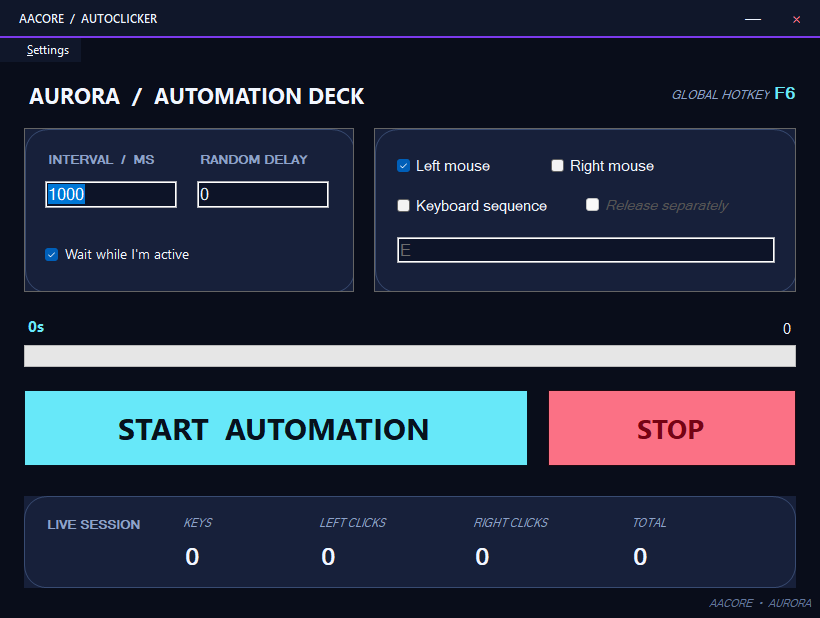
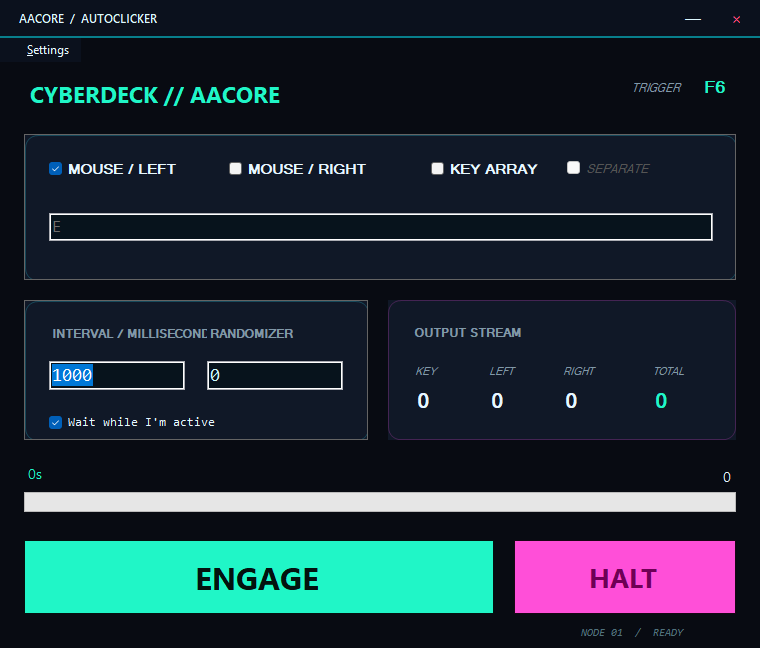
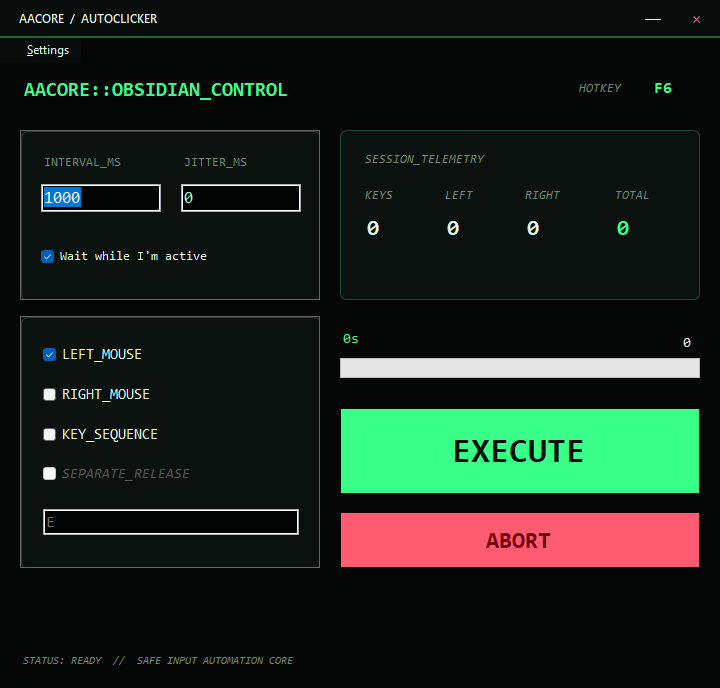
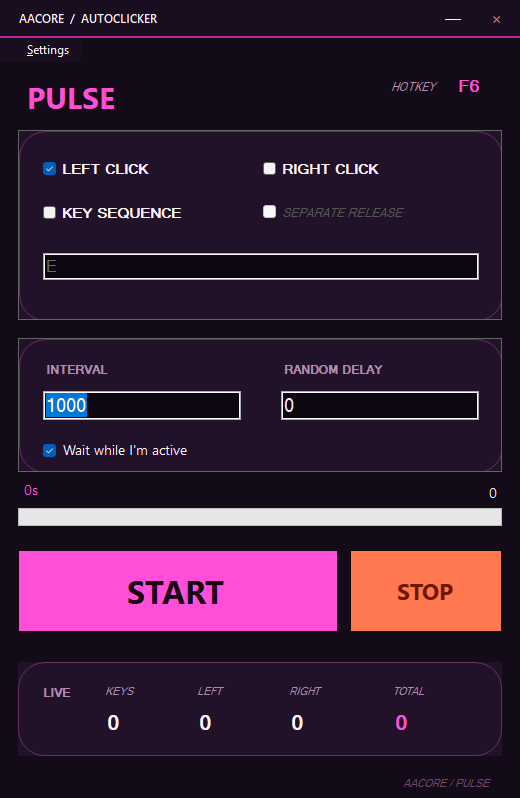
Left and right mouse clicks at your cursor position with intervals down to 1 ms. Precision timing for gaming or productivity.

⌨️

Keyboard Automation

Press any key or combo like E+R, Space, or custom sequences. Staggered "press separately" mode for realistic typing feel.

🎲

Random Jitter

Add configurable random millisecond offset per cycle so your automation looks human-like, not robotic.

📊

Live Statistics

Real-time counters during a run — total clicks, left/right mouse, and key presses — all updated live from the background engine.

🔑

Global Hotkey (F6)

One-key toggle start/stop from anywhere on your desktop. Works even when the app is minimized or in the background.

🎨

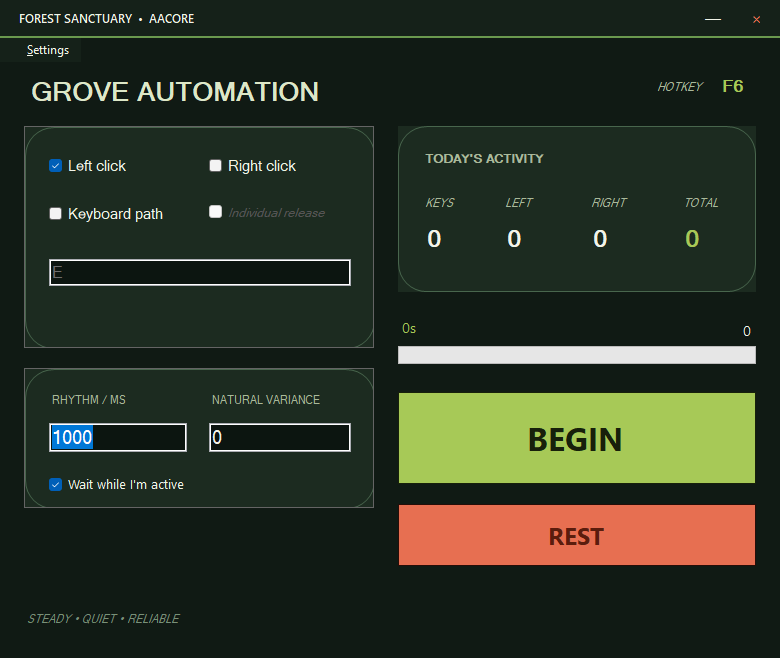
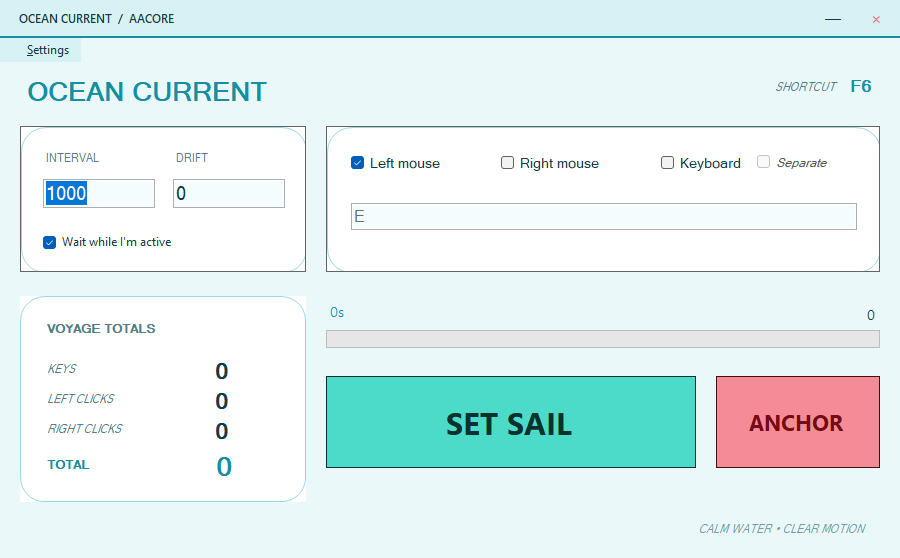
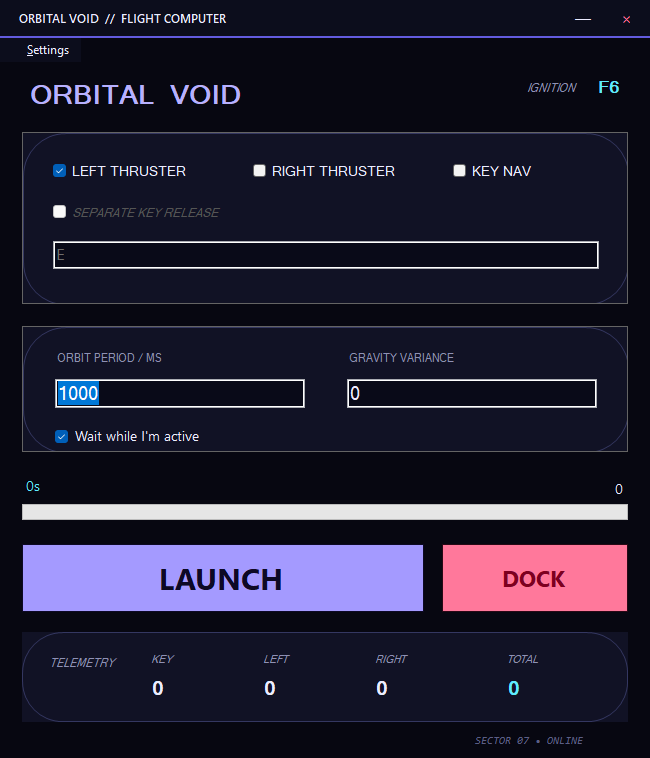
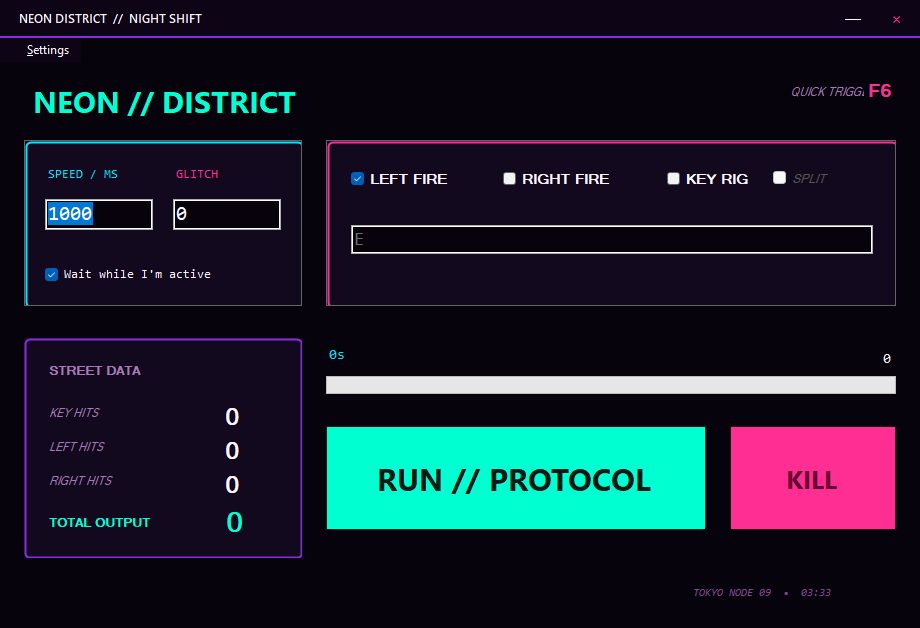
5 Built-in Themes

Dark, Light, AMOLED, Midnight Blue, Forest. Each skin tints the Windows title bar via native DWM API. Selection persists across restarts.

Modern Flat UI

Custom hand-painted GDI+ controls — gradient-filled buttons with rounded corners, hover glow effects, progress bar with marquee mode.

🌐

i18n Ready

Built-in language manager infrastructure with dictionary keys for every visible string. English-only today, ready to expand.

🔗

Thread-Safe Engine

Async Task-based clicker loop with volatile flags, lock-protected key inputs, and proper CancellationToken disposal. No leaks, no crashes.

Bug Fixes

Issues identified, diagnosed, and resolved through rigorous multi-agent code review.

🛡️ Thread Safety & Stability

🎨 UI & Designer

🔒 Security & Robustness

Current Status

What works now and what we're actively improving.

✅ Working Now

  • Auto-clicker engine (mouse + keyboard injection)
  • Thread-safe start/stop cycle with proper resource management
  • Theme system with 5 skins and DWM title bar tinting
  • Persistent settings in %APPDATA%
  • Custom GDI+ UI controls (AAButton, AAProgressBar, AACard)
  • F6 global hotkey toggle system
  • Live statistics panel with real-time counters
  • i18n language manager infrastructure

⚠️ Known Issues / In Progress

IssuePriority
keybd_event deprecation — migrate to SendInput API Medium
UI thread updates from background tasks — missing Invoke() on stats labels & progress bar High
Settings file locking — concurrent writes can corrupt JSON; no crash recovery Medium
Hotkey unregistration on form close — currently relies on IDisposable pattern Low

Roadmap

Where we're heading next.

v1.1

SendInput Migration

Replace deprecated keybd_event with modern Win32 SendInput API for keyboard injection — better compatibility and reliability.

v1.1

Robust Hotkey Cleanup

Proper hotkey unregistration on all exit paths — graceful shutdown, crash recovery, and multi-instance conflict resolution.

v1.1

Atomic Settings Persistence

File locking + atomic writes for settings.json with backup before overwrite to prevent corruption.

v1.2

UI Thread Safety Audit

Wrap all background task → UI updates with proper Invoke() calls — eliminate thread-crossing bugs.

Future

Cross-Platform Web Version

A web-based counterpart to the desktop app — accessible from any browser on any OS.

Future

Macro Recording & Playback

Record mouse/keyboard sequences and replay them with customizable timing and conditions.

Future

Click Pattern Presets

Preset patterns for common use cases: spam click, double-tap, drag-and-drop, and more.